AI & Automation
How to Automate Customer Service in Ireland 2026 (Without Losing the Human Touch)
What an Irish small business can automate in customer service, what to keep human, and the tools that work in 2026.

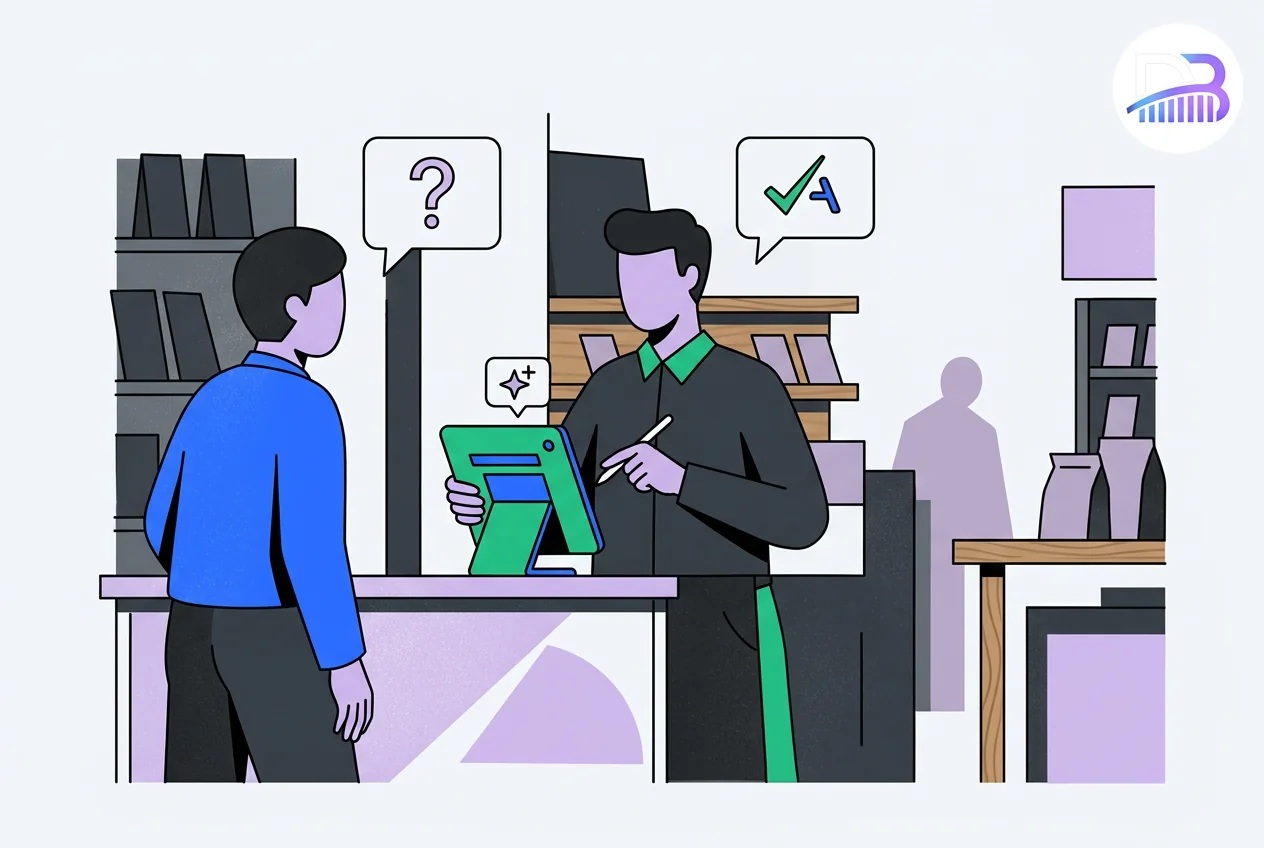
Visual guide
A month to automate the basics
One change a week, with people kept on the conversations that matter.
01 · Four weeks
Customer service, week by week
Data behind this graphic
| Week | What to do |
|---|---|
| One | List top ten questions |
| Two | Website assistant |
| Three | Missed-call texts |
| Four | Review reply drafts |
Key takeaways
- Automate the repeat work, not the relationship. Questions you answer every week, booking confirmations, missed-call replies and review drafts are the places to start.
- Keep people on the conversations that matter: complaints, quotes, sensitive advice and anyone who asks for a person.
- Do one job at a time and measure the time it gives back before adding the next.
Who this is for: owners of Irish trades, clinics, salons, hotels and shops who spend too much of the day answering the same messages.
What does automating customer service mean for a small business?
It does not mean replacing your team. It means letting software handle the routine parts of a conversation, such as confirming a booking or answering are you open on Saturday?, so your team has more time for the conversations that win and keep customers.
The businesses that get it right start with one workflow, check it works, and only then add another.
Which five jobs are worth automating first?
1. A website assistant for common questions
An assistant on your website answers the questions you get every week: opening hours, areas you cover, a rough idea of price, how to book. When it cannot help, it takes the person's name and number so nobody is left waiting. Our guide Do I need an AI chatbot? covers the options.
2. A text back after every missed call
When you miss a call, an automatic text goes out straight away: Sorry we missed you. Reply here, or book a call back at this link. For a trade or a clinic, this is often the most valuable automation of all, because a missed call is usually a customer ringing the next business on the list. See our WhatsApp AI receptionist guide.
3. Bookings that confirm and remind themselves
Customers book a free slot online and get an automatic confirmation, a reminder the day before and a short thank-you afterwards. Reminders cut no-shows, and the booking happens even when you are closed.
4. Instant replies to every enquiry
When someone fills in your form, they get an immediate reply saying what happens next and when. If nobody has followed up within a set time, the enquiry is flagged to a person. No enquiry sits unanswered over a weekend.
5. Draft replies to Google reviews
Software drafts a reply to each new Google review, and you approve or edit it before it goes out. Replying to every review, good or bad, shows customers you are listening. Google's own review tips cover asking for reviews and replying to them.
Which tools connect everything together?
Connecting tools lets information move by itself, such as a form that drops straight into your customer list and your calendar. The three names you will hear most:
| Tool | Suits | Note |
|---|---|---|
| Zapier | Owners who want simple two-step links | Easiest to start; costs rise with use |
| Make | A visual builder with more steps | Often better value for busier workflows |
| n8n | Technical teams who want to host it themselves | More control over where data is kept |
All three have free or low-cost starting plans. Check current prices on each site, because they change.
What if your website runs on WordPress?
WordPress has plugins for most of these jobs, including booking plugins such as Amelia or Bookly, form plugins that pass enquiries to your other tools, and plugins that make sure your emails actually arrive. Keep the number of plugins low and keep them updated, because each one adds weight and something else to maintain.
What should you never automate?
- Complaints. Always a person, and fast. An automatic reply makes an angry customer angrier.
- Quotes for bigger jobs. People close these better than software.
- Anyone who asks for a real person. The assistant should hand over in its next message.
- Health, legal or financial advice. Let AI draft if it helps, but a person checks and sends.
How do you roll it out in a month?
| Week | What to do |
|---|---|
| One | Read your last fifty customer messages and list the ten questions that come up most |
| Two | Set up a website assistant that answers those ten questions and takes contact details |
| Three | Add the missed-call text and instant replies to enquiries |
| Four | Turn on review reply drafts, then check how much time each change has saved |
Write down how long these jobs take before you start, so you can see what each change gives back.
Can a grant help pay for it?
The Grow Digital Voucher may support qualifying off-the-shelf customer service software that is new to your business, plus limited set-up or training. It does not fund custom automation or chatbot development. Complete Digital for Business and get approval from your Local Enterprise Office before you spend.
How can Digital Bridge help?
We build website assistants, missed-call replies, booking flows and the links between your tools, with people kept in charge of the conversations that matter. See our AI agents service or book a free 20-minute scoping call on 085 224 1848.
Frequently asked questions
What is the cheapest way to automate customer service?
Start with free plans: a basic website chat assistant, booking software with automatic reminders and Google's own tools for replying to reviews. Add paid tools one at a time, only when the free version stops being enough.
Is Zapier or Make better for a small business?
Zapier is the easiest to learn for a few simple links between tools. Make suits longer workflows and is often better value as use grows. n8n suits technical teams who want to host it themselves.
Can I automate customer service on WordPress?
Yes. Booking plugins such as Amelia or Bookly handle confirmations and reminders, and form plugins can pass enquiries to your other tools. Keep the number of plugins low and keep them updated.
Will automation make my customer service feel cold?
Not if you automate the right jobs. Customers like quick confirmations and reminders. Keep people on complaints, larger quotes and anyone who asks for a person, and make sure the hand-over is quick.
How long does it take to set up?
Simple jobs, such as a missed-call text or booking reminders, can be running within a day. A website assistant takes longer, because it needs your real answers to the questions customers ask.
Does automation replace my staff?
No. It takes repetitive tasks off their plate so they have more time for customers, quotes and the work that needs a person.
Everything we do, in one place
Pick the service that fits. The same small Irish team does all the work.
Related pages and sources
Explore more from Digital Bridge
Sources and further reading
Digital Bridge Team
AI & Automation Agency for Irish SMEs
Founder-led studio in Gorey, Co. Wexford, with published work for Printhouse, Verdé and Danu Lodge
Digital Bridge automates customer service, bookings, lead capture and admin for Irish small businesses from Wexford HQ. Make.com, n8n, WordPress, Shopify and WhatsApp Business API specialists.
Connect with us →Keep reading