Website Security
Does Your Website Really Need File Uploads?
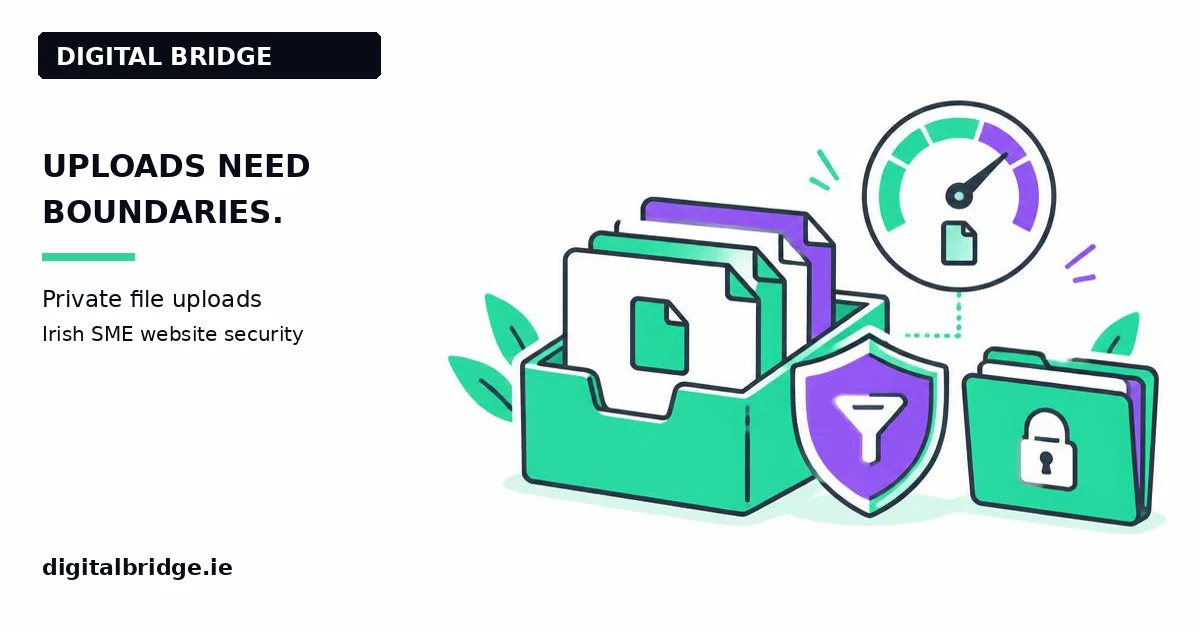
Website uploads need clear limits and controlled storage. Irish SMEs accepting documents should agree the necessary file types, validate uploads on the server, restrict access and keep files away from public execution paths. Digital Bridge in Gorey explains what to ask a developer before adding an upload button to a business website.
Written by Joey Bray, Founder & Lead Strategist, Digital Bridge. Author profile. Last updated: 8 November 2026.
Why is an upload button different from a text field?
An upload feature accepts a file chosen by somebody outside your business. That file may not be what its name suggests, and it may contain personal information. You need to decide both how the file is checked and who can retrieve it afterwards.
More info
First ask whether the website needs uploads at all. A general enquiry can often begin with a short description, with documents requested later through an agreed channel. Removing an unnecessary feature reduces the information and software behaviour you need to manage.
The OWASP File Upload Cheat Sheet recommends a layered approach. No single filename check establishes that a file is safe. The right design depends on whether you accept product images, CVs, artwork or other documents.
Which file types should you accept?
Use an explicit list of necessary formats rather than accepting everything. Agree why each format is needed and what staff will use to open it. A browser-provided content type or a filename extension is not reliable proof of file content; a developer should validate on the receiving service.
More info
Set a sensible maximum size and a maximum number of files for the workflow. These limits help manage resource use, but they are not malware detection. Check whether your host and application apply the same limits so that visitors receive an understandable error rather than a broken upload.
Avoid publishing a detailed list of internal detection rules. A customer needs to know supported formats and size limits, not the private implementation of your security controls.
Where should uploaded files be stored?
Treat private customer documents differently from public product photographs. OWASP recommends storage outside the web root where possible, or another suitably separated location. Uploaded content should not become executable application code.
More info
A random-looking link is not the same as access control. If a file is private, the system should check that the person requesting it has permission. Time-limited links can support a workflow, but anyone who obtains a valid link may be able to use it until it expires; discuss that limitation explicitly.
Record which services keep the original file, thumbnails or extracted text. If the file is sent to another provider for processing, assess that data route rather than treating it as invisible background work.
What should happen before staff open a file?
Agree the checks appropriate to the file types and business risk. Depending on the workflow, these may include scanning or controlled document processing. Neither scanning nor format conversion guarantees that a document is harmless.
More info
Do not ask staff to bypass a warning just because the file arrived through your own website. Provide a reporting route for unexpected attachments and keep devices maintained. Website upload protection and device protection are related but separate responsibilities.
Consider a fictional print business receiving artwork. It allows the formats needed for production, sets a size limit, keeps customer files private and limits access to the team handling the job. This example illustrates requirements; it is not a claim about a particular client's controls.
How should you test the upload workflow?
Use harmless test files with invented information. Check valid uploads, unsupported types, oversized files and a user who is not authorised to retrieve a private file. Verify visible error states and check that rejection does not leave unwanted public copies.
More info
Ask the developer to test the receiving service, not just the interface. Keep the test within an agreed scope and do not upload malicious samples to a live business website. Independent testing may be appropriate for higher-risk systems.
How can an Irish SME agree a manageable scope?
Write down the purpose, allowed formats, limits, storage location, access roles and retention expectations. Name the person who owns the process after launch. If you need identity documents, health information or other sensitive files, raise that requirement before building and involve appropriate specialists.
More info
Digital Bridge builds business websites and custom platforms, including Printhouse's web-to-print project. That real project is an example of development experience, not proof of a security certification. A scoped upload review should explain what is checked, what remains outside scope and which ongoing services the business must maintain.
What is the next step for your website?
Get an instant estimate or discuss a scoped website security review. Call 085 224 1848 or email Digital Bridge. Scope and responsibilities are agreed before work starts. For an example of our development work, see the published portfolio.
Read our website security service, Irish SME security overview, or professional website services.
Frequently asked questions
Can a PDF upload still create risk?
Yes. The PDF extension alone does not prove content is safe. Apply appropriate validation, private storage and handling controls.
Is an obscure file link private?
Not by itself. Private files need access controls; time-limited links have their own sharing and expiry limitations.
Should we accept every image format?
Accept only formats needed for the workflow, validate them on the server and agree size and processing limits.
Everything we do, in one place
Pick the service that fits. The same small Irish team does all the work.
Related pages and sources
Explore more from Digital Bridge
Sources and further reading
Joey Bray
Founder & Lead Strategist
Website and business-platform development for Irish businesses
Joey Bray leads Digital Bridge from Gorey, Co. Wexford. Published work includes Printhouse's custom web-to-print platform; no security certification is claimed.
Connect with us →Keep reading