Web Design
Turning Website Visitors Into Enquiries: A Five-Point Audit
Visitors but no enquiries? The five points where people drop off an Irish business website, with a fix you can make today at each.

Visual guide
Where enquiries leak
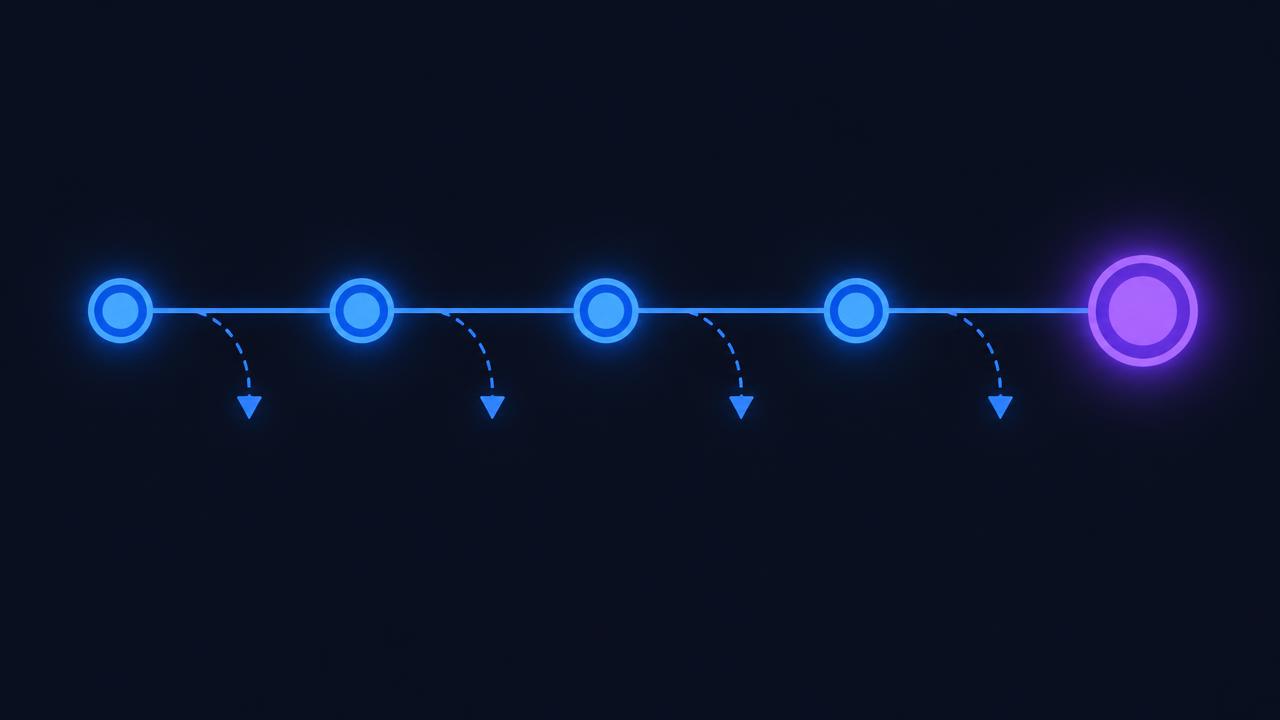
Five points, checked in order, from first screen to follow-up.
01 · In order
The five leak points
Data behind this graphic
| Point | What to check |
|---|---|
| First screen | What you do, and where |
| Proof | Real photos, jobs, reviews |
| Price | A starting price or range |
| Contact | Short form, phone visible |
| Follow-up | Reply time, honestly kept |
Key takeaways
- If people visit but nobody gets in touch, the leak is almost always in one of five places: the first screen, the proof, the price signal, the contact step or what happens after someone sends.
- Check them in that order. There is no point fixing the form if the first screen loses people before they reach it.
- Four of the five fixes cost nothing but an afternoon of attention.
Who this is for: Irish business owners whose website gets visitors but few enquiries, and who want to find the problem before paying for a redesign.
Does your first screen say what you do and where?
The problem: someone searched for a specific service, landed on a page that opens with a slogan, and cannot tell within seconds whether you do that job in their area.
More info
The test: open the page on your phone and look only at the first screen. Could a stranger tell what you do, whether you do their job, whether you cover their area and how to contact you?
Fix it today:
- Put what you do and where you do it in the first line, in plain words.
- Make the phone number tappable and visible without scrolling.
- Cut the slogan, or move it below the useful sentence.
- Send people to the right page: someone searching for one service should land on that service, not the home page.
This is usually the change that makes the biggest difference, and it is quick.
Does your page prove the work is real?
The problem: the site claims quality but shows nothing that anyone else could not have written.
More info
The test: count the things on the page that are specific to you: real photos of real work, a named client, a described job, a genuine review.
Fix it today:
- Replace one stock photo with a photo of your own work.
- Add one real review, with the person's name and town if they agree.
- Describe one job properly: the situation, what you did and how it turned out.
- Remove any claim you cannot back up. An invented figure is worse than none.
One honest, specific job description does more than a page of adjectives, and most businesses have several they have never published.
Does your page give a sense of price?
The problem: there is no hint of cost anywhere, so careful visitors leave to find someone who will tell them.
More info
You do not need a full price list. You do need to help people judge whether you are in their range:
- a starting price for your most common job, with what it includes;
- a worked example of a typical job and what drives the cost;
- a range, with the honest reason it varies;
- or, at the least, a quick estimate step so the answer comes back straight away.
Saying nothing about price does not look premium. It looks like a risk.
Is getting in touch easy?
The problem: the form asks for too much, or the only way in is a form when the customer would rather phone.
More info
Fix it today:
- Cut the form to a name, a way to reply and one open box.
- Offer a choice of phone, WhatsApp, email or form, because people have strong preferences.
- Never hide the phone number on a separate contact page.
- Send yourself a test enquiry from a phone, on mobile data, and check it arrives.
- Put one short line beside the button saying what happens next and how quickly.
That last line is often worth more than a redesign. Tell people when you will reply, and keep to it.
What happens after someone sends an enquiry?
The problem: the enquiry arrives and sits, or the visitor sees a bare thank-you message and never hears back.
More info
Fix it today:
- Send an automatic reply that says honestly when a person will be in touch.
- Put something useful on the thank-you page, such as your phone number or what to have ready for the call.
- Set a response time for your team and check it.
- Make sure enquiries are stored somewhere, not only sent to one inbox.
This is where automation earns its keep: acknowledging, filing, sending each enquiry to the right person and flagging anything still unanswered the next morning. It is one of the things we are most often asked to build.
How do you find which point is leaking?
You do not need expensive tools:
| Check | What it tells you |
|---|---|
| Ask five recent customers what nearly stopped them | The same answers come up quickly |
| Watch someone new use the site, without helping | Where people hesitate or give up |
| See whether visitors reach your contact page | If they reach it but do not send, the problem is the contact step |
| Check your own reply times for the last month | Whether enquiries are going cold |
Work from the top down, fixing the first point before the next.
Ask the Digital Bridge Agent before you ask anyone for a quote
The Digital Bridge Agent is the AI assistant built into this site.
More info
Ask it the awkward questions: what a job involves, what order to do things in, and whether it is worth doing at all.
- 💬 Open the Digital Bridge Agent in the corner of this page, describe your situation, and it will say what we would do.
- 📞 Call 085 224 1848: you get a free 20-minute call with Joey, not a sales desk.
- 🎁 Check which Irish grants might fit, the funding body always makes the final call.
Digital Bridge is an Irish studio in Gorey, Co. Wexford. Every engagement is fixed scope, fixed price and owned by you at the end.
Frequently asked questions
Why does my website get traffic but no enquiries?
The leak is usually one of five things: a first screen that does not match what the visitor searched for, no proof of real work, no sense of cost, a contact step that asks too much, or silence after the form is sent. Check them in that order.
Should I show prices on my website?
You do not need a full price list, but give visitors a way to judge whether you suit their budget: a starting price with what it includes, a worked example, an honest range or a quick estimate. Saying nothing about price looks like a risk.
How many fields should a contact form have?
Three is usually enough: a name, a way to reply and one open box. Offer phone, WhatsApp and email alongside it, because people have strong preferences about how they make first contact.
Do I need a full website redesign to get more enquiries?
Rarely as a first step. Work through the five points first, because a redesign that repeats the same mistakes changes the look and nothing else. Redesign when the structure of the site blocks the fixes.
How many visitors should turn into enquiries?
It varies widely by trade and by how well the visits match what you sell, so be wary of published averages. What matters is your own figure, measured the same way each month and moving in the right direction.
Is live chat worth adding to my website?
Only if someone answers it, or an assistant can answer common questions and take contact details. A chat box that nobody responds to is worse than none.
Everything we do, in one place
Pick the service that fits. The same small Irish team does all the work.
Related pages and sources
Explore more from Digital Bridge
Sources and further reading
Joey Bray
Founder, Digital Bridge
Founder-led studio in Gorey, Co. Wexford, with published work for Printhouse, Verdé and Danu Lodge
Joey Bray founded Digital Bridge in Gorey, Co. Wexford. He scopes and builds websites, search work and AI tools for Irish businesses.
Connect with us →Keep reading