AI Safety for Children: The Complete Parents' Guide for 2026
AI safety for children means setting age-appropriate rules, using kid-safe AI tools, enabling parental controls, protecting personal data, and having open conversations. This 2026 guide gives Irish parents a step-by-step framework — backed by Webwise.ie, UNICEF, and the eSafety Commissioner.

Answer Summary
AI safety for children is the practice of letting kids use AI tools — ChatGPT, Snapchat My AI, Character.AI, Roblox AI — without exposing them to harmful content, manipulation, data leaks, or unhealthy emotional reliance. The fastest way to do it: (1) pick the right tool for their age, (2) spend 30 minutes turning on the parental controls already built into iOS, Android, your router, and each AI app, (3) teach the "Three Never" rule, (4) review chat history weekly, and (5) keep talking. This guide walks Irish parents through every click — not just the strategy.
How to Read This Guide
The article moves from why → what → how → what if it goes wrong:
- The real risks in 2026 (so you know what you're solving for).
- The 5-step framework (the strategy).
- Tap-by-tap setup guides for ChatGPT, Snapchat, iOS, Android, your home Wi-Fi, and YouTube.
- The 10-minute weekly audit.
- The emergency playbook for when something does go wrong.
Skip to the section you need — the headings are written as the questions parents actually ask.
What Are the Real AI Risks for Children in 2026?
In our work with Irish families and educators, these are the seven risks that actually cause harm — not the sci-fi ones:
- Inappropriate content — sexual, violent, or self-harm material slipping past filters.
- AI-powered grooming — bad actors using chatbots and deepfaked voices to impersonate peers.
- Confident misinformation — "hallucinations" that sound authoritative and end up in homework.
- Emotional over-reliance — kids forming attachments to AI companions like Character.AI or Replika instead of friends.
- Privacy leaks — children pasting their full name, school, address, or selfies into prompts that train future models.
- Academic dishonesty — copy-paste homework that prevents real learning.
- Peer deepfakes — classmates generating fake nude images or fake voice clips of each other.
Every one of these is preventable with the framework below.
The 5-Step AI Safety Framework
Step 1 — Match the Tool to the Age
UNICEF, Webwise.ie, and Australia's eSafety Commissioner broadly agree:
- Under 8 — no general-purpose AI chatbots. Use only curated kids' apps and supervised voice assistants.
- 8–12 — kid-specific AI only (Khanmigo, Pok Pok, MagicSchool). Always shared screen, never private device.
- 13–15 — mainstream AI allowed with parental controls and a written family agreement.
- 16–17 — full access plus an ongoing conversation about ethics, privacy and mental health.
OpenAI, Google and Anthropic all set their minimum age at 13 (16+ in the EU under GDPR-K). If your child is younger, they are using the tool against its terms of service — and without the safety rails the company built for adults.
Step 2 — Turn On the Controls That Already Exist
Most parents don't know how much is already built in. Spend 30 minutes once and you've solved 80% of the problem. Tap-by-tap instructions are in the next section.
Step 3 — Teach the "Three Never" Rule
Drill these three rules into children from day one:
- Never share your full name, school, address, phone, or photos with a chatbot.
- Never believe an AI without checking — it can sound certain and still be wrong.
- Never keep secrets the AI asks you to keep. Tell a trusted adult straight away.
Print it. Stick it on the fridge. Repeat it weekly.

Step 4 — Have the Conversation, Not the Lecture
Children learn AI safety the way they learn road safety — through small chats during real moments, not one big speech. Try these openers:
- "Show me the funniest thing the AI said this week."
- "Did anything online today make you feel weird?"
- "If a chatbot asked you to keep something secret, what would you do?"
- "How would we check if what the AI just said is actually true?"
Stay judgement-free. A 2024 Internet Matters study found the single biggest predictor of safety is whether a child believes they can tell a parent without losing the device.
Step 5 — Model Healthy AI Use Yourself
Kids copy what they see. Out loud, say things like:
- "Let me double-check that on the official site."
- "The AI got that wrong — here's how I noticed."
- "I'm going to think about this myself before I ask the chatbot."
That's the critical-thinking muscle no parental control can replace.
How to Set Up Each Tool — Step by Step
This is the part most guides skip. Below are exact tap-by-tap instructions for the apps and devices Irish kids actually use. Do them in order — together, ideally — and you'll be 80% safer in under an hour.
How to Lock Down ChatGPT (Web & Mobile)
- Sign in to chatgpt.com with the account your child uses.
- Click your profile → Settings.
- Open Data Controls → toggle OFF "Improve the model for everyone". This stops their chats being used as training data.
- Open Personalization → turn OFF "Memory" so the bot doesn't store personal details between sessions.
- Under General, set Voice to off if your child is under 13.
- On mobile, go to Settings → Family Sharing (iOS) or Family Link (Android) and add ChatGPT to Approved Apps Only.
Test it: ask your child to open a fresh chat and type "what do you remember about me?" — the answer should be "nothing".
How to Disable or Restrict Snapchat My AI
- In Snapchat, tap your Bitmoji (top-left) → gear icon (Settings).
- Scroll to Privacy Controls → My AI.
- Toggle Clear My AI Data.
- Open Family Center (Settings → Family Center) and pair with your teen's account.
- From Family Center, you can now see who they message, restrict My AI for under-18s, and block sensitive content.
- If they're under 13, Snapchat is officially not allowed at all — delete the account.
How to Configure iOS Screen Time (iPhone & iPad)
- Settings → Screen Time → turn it on, set a Screen Time Passcode your child does not know.
- Content & Privacy Restrictions → toggle ON.
- Allowed Apps → switch off Safari for under-10s; allow only approved browsers.
- Content Restrictions → Web Content → Limit Adult Websites.
- Add to Never Allow: chat.openai.com, gemini.google.com, character.ai, replika.ai, janitorai.com.
- App Store → Don't Allow for new app installs (you approve via Family Sharing).
- Communication Limits → During Screen Time → restrict to known contacts only.
- Downtime → set bedroom hours (e.g. 9pm–7am) so devices lock automatically.
How to Configure Google Family Link (Android & Chromebook)
- Install Family Link on your phone, sign in with your Google account.
- Add your child's account (under 13 needs a supervised account).
- Open their profile → Controls → Filters on Google Search → Strict SafeSearch ON.
- Filters on Google Chrome → Try to block explicit sites.
- Filters on YouTube → "Explore" for under-9s, "Explore More" for 9–12, "Most of YouTube" for 13+.
- App approval → Require approval for all new app installs and in-app purchases.
- Daily limits and Bedtime — set per app, not just per device.
How to Switch a Child to YouTube Kids
- Install YouTube Kids from the App Store / Play Store.
- Tap the lock icon (bottom-right) → enter the parental code.
- Choose Approved content only for under-8s, Younger (4–7) or Older (8–12) for curated mode.
- Turn off Search for under-8s.
- On the main YouTube app, sign your child out and remove the account from the device.
How to Block AI Sites Network-Wide for Free
This one setting protects every device on your home Wi-Fi at once — no per-device work needed.
- Open your router's admin page (usually 192.168.1.1 or 192.168.0.1).
- Find DNS Settings (sometimes under WAN or Internet).
- Change the primary DNS to 1.1.1.3 and the secondary to 1.0.0.3 — this is Cloudflare 1.1.1.1 for Families (free, no signup, blocks adult and malware sites).
- Save and reboot the router.
- Test by visiting a known adult site on any device on the network — it should fail to load.
For an even tighter level (blocking gambling and social media too), use OpenDNS FamilyShield: 208.67.222.123 / 208.67.220.123.
How to Review Your Child's AI Chat History (Without a Lecture)
Once a week, sit beside them and say: "Show me your three favourite chats." It reframes the review as sharing, not surveillance.
- ChatGPT — left sidebar lists every chat by title.
- Gemini — gemini.google.com/app/activity.
- Snapchat My AI — Chat → tap My AI → swipe through history.
- Character.AI — Profile → Chat History.
If a chat looks worrying, screenshot before you discuss — chat histories can be deleted.
The 10-Minute Weekly AI Safety Audit
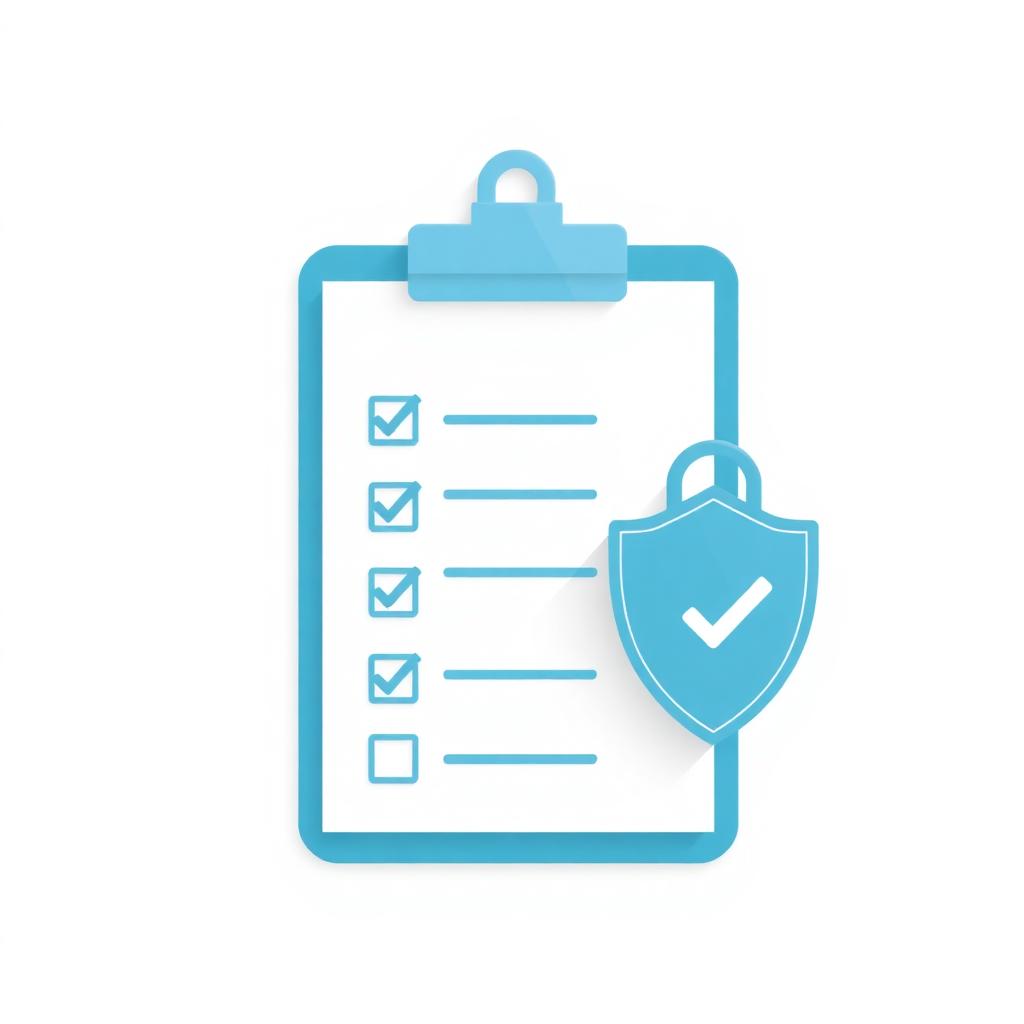
Run this every Sunday. Tick honestly.
- I know every AI app on my child's device.
- Each app meets its minimum age requirement.
- Parental controls are enabled at device, network, and app level.
- My child can recite the "Three Never" rule.
- We've had at least one short AI conversation this week.
- No AI app is allowed in the bedroom overnight.
- My child knows how to report a problem and to whom.
- I've reviewed at least one chat history this week.
- We have a written family tech agreement.
- I know the emergency contacts (Webwise, Hotline.ie, An Garda Síochána, Childline).
Fewer than 7 ticks? That's your weekend project.
What to Do If Something Goes Wrong
Stay calm and follow this order — don't skip steps.
- Don't take the device away as your first response. It teaches kids to hide problems next time.
- Screenshot everything before it disappears (chats, profiles, URLs, timestamps).
- Report illegal content to Hotline.ie — Ireland's official reporting line.
- Report grooming or threats to An Garda Síochána on 112 or your local station.
- Get emotional support through Childline 1800 66 66 66 — free, 24/7.
- Tell the school if classmates are involved (they have a duty to act on cyberbullying).
- Tighten settings together, not as punishment — explain what changed and why.
Frequently Asked Questions
Is ChatGPT safe for a 10-year-old?
Officially no — OpenAI's minimum age is 13. If your 10-year-old is using it, they should only do so on a shared device, with you present, and with chat history reviewed. Better alternatives at that age: Khanmigo (built for learning) and Pok Pok.
What's the safest AI chatbot for kids in 2026?
For under-13s, Khanmigo by Khan Academy — built for education, strict guardrails, free for students. For older teens, ChatGPT with Data Controls turned off for training is the most transparent mainstream option.
How do I block AI chatbots on my child's iPhone?
Settings → Screen Time → Content & Privacy Restrictions → Web Content → Limit Adult Websites → Never Allow → add chat.openai.com, gemini.google.com, character.ai, replika.ai. Then Allowed Apps → disable any installed AI apps.
Can AI chatbots really "groom" children?
Two real risks exist: (1) bad actors using AI to scale up grooming on social platforms, and (2) AI companion apps designed to maximise emotional engagement, which is unhealthy for vulnerable teens. Character.AI and Replika are the most-flagged examples and should be blocked for under-16s.
What does Irish law say about children using AI?
Under GDPR-K in Ireland, the digital age of consent is 16. Children under 16 cannot legally consent to a service like ChatGPT processing their data without parental permission. This is why most AI tools officially require ages 13–16 minimum.
Should schools allow ChatGPT for homework?
With clear rules, yes. The Department of Education's 2024 guidance allows AI for brainstorming, structuring and revising — but not for producing finished work submitted as the student's own. Ask your school for their AI policy in writing.
The Bottom Line for Irish Parents
AI safety for children isn't a tech problem — it's a parenting habit reinforced by 30 minutes of setup and one short weekly conversation. The families who do best aren't the ones with the most expensive controls; they're the ones who stay curious, stay close, and keep talking. Tools change every six months. The conversation is forever.
If you'd like a one-to-one walk-through of the controls above, our team at Digital Bridge runs free 15-minute family-tech consultations from our Gorey, Co. Wexford base. Get in touch here — useful especially if you also run a small business and need to think about staff, customers and your own kids in one go.
About the author — The Digital Bridge team builds AI tools for Irish SMEs from our base in Gorey, Co. Wexford. We work daily with the same chatbots and AI agents that our clients' children are using at home, which gives us a practical, hands-on view of where the real risks (and the real wins) sit. Read more on our blog or learn about our AI Agents service.
Everything we do for Irish SMEs — in one place
Pick the service that fits where you are. All work is delivered by the same Irish team.
Fast, mobile-first, SEO-ready.
Rank on Google + get cited by ChatGPT.
Words that rank and convert.
Show up daily, without the time sink.
Replace 5 SaaS subs with one tool you own.
Win back 8–14 hrs a week.
On-brand assets in days, not weeks.
Upskill your team on AI + digital.
24/7 receptionist, sales rep, support tier-1.
Explore More from Digital Bridge
Helpful External Resources
Digital Bridge Team
AI Implementation Specialists
Daily hands-on work with ChatGPT, Gemini, Claude and custom AI agents for Irish businesses since 2022
The Digital Bridge team builds and deploys AI agents, chatbots and automation for Irish SMEs from Gorey, Co. Wexford. We combine direct, day-to-day experience with the same AI tools children use, with a parent's eye on safety, privacy and healthy habits.
Connect with us →Keep reading
Related guides

What Is GEO? Generative Engine Optimisation Explained for Irish Businesses (2026)
GEO — Generative Engine Optimisation — is the practice of getting your business cited inside ChatGPT, Perplexity, Claude and Google AI Overviews when potential customers ask questions about your industry. It's the new SEO, the ranking signals are different, and Irish businesses that adopt it early are already winning the AI-cited share of their market.
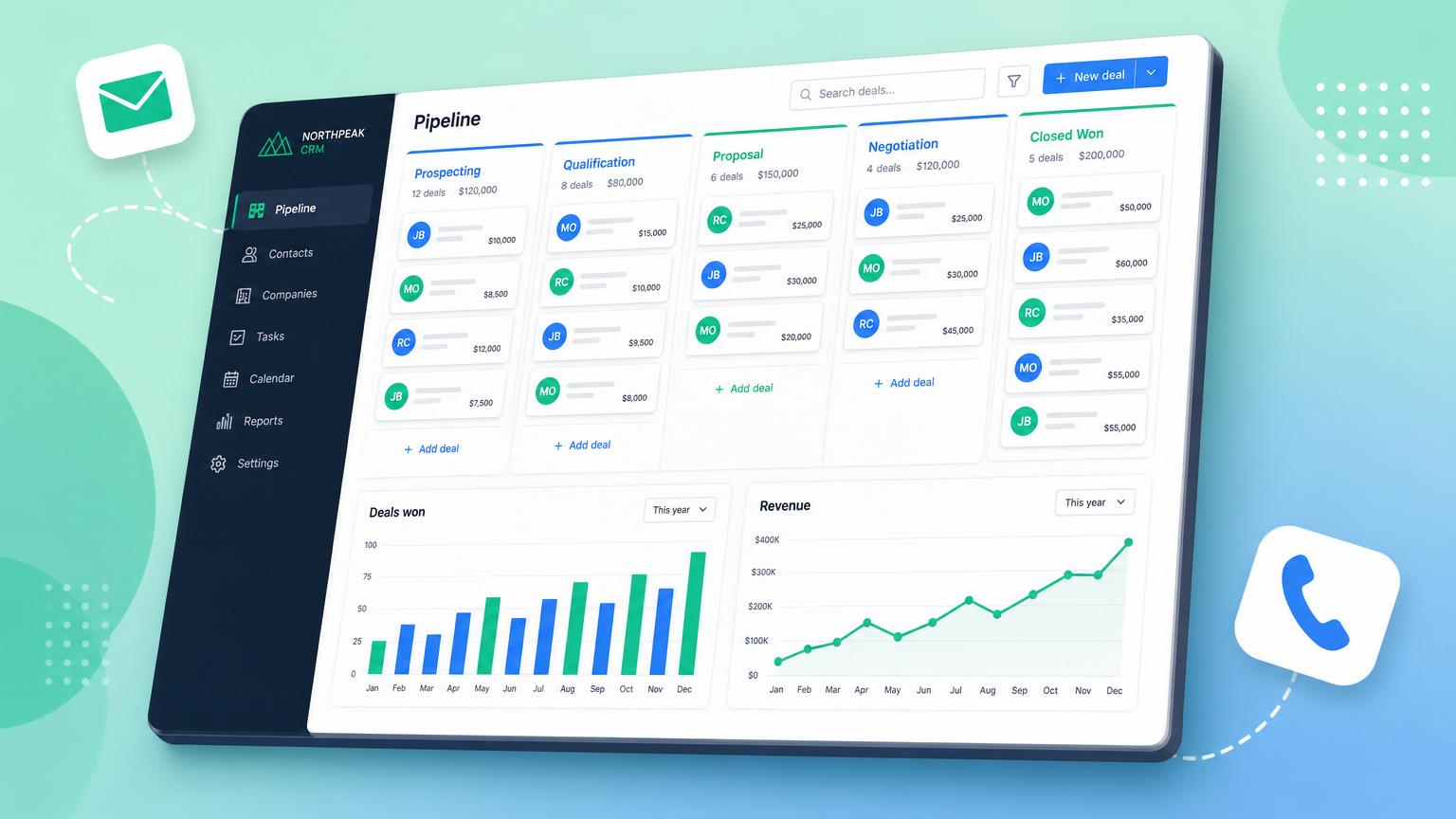
The Best CRM for Small Business in Ireland (2026 Comparison)
Six CRMs tested on real Irish SME workflows — pricing in euro, GDPR handling, Irish integrations, and which one we install for Digital Bridge clients most often.
How to Rank in Google AI Overviews (GEO) — The 2026 Guide for Irish Businesses
Google AI Overviews now answer 50%+ of Irish search queries above the blue links. Here's how to be cited in them — the exact GEO playbook we use for Digital Bridge and our clients.
Ready to Transform Your Business?
Get a free consultation and discover how Digital Bridge can help your Irish business grow with AI-powered solutions.