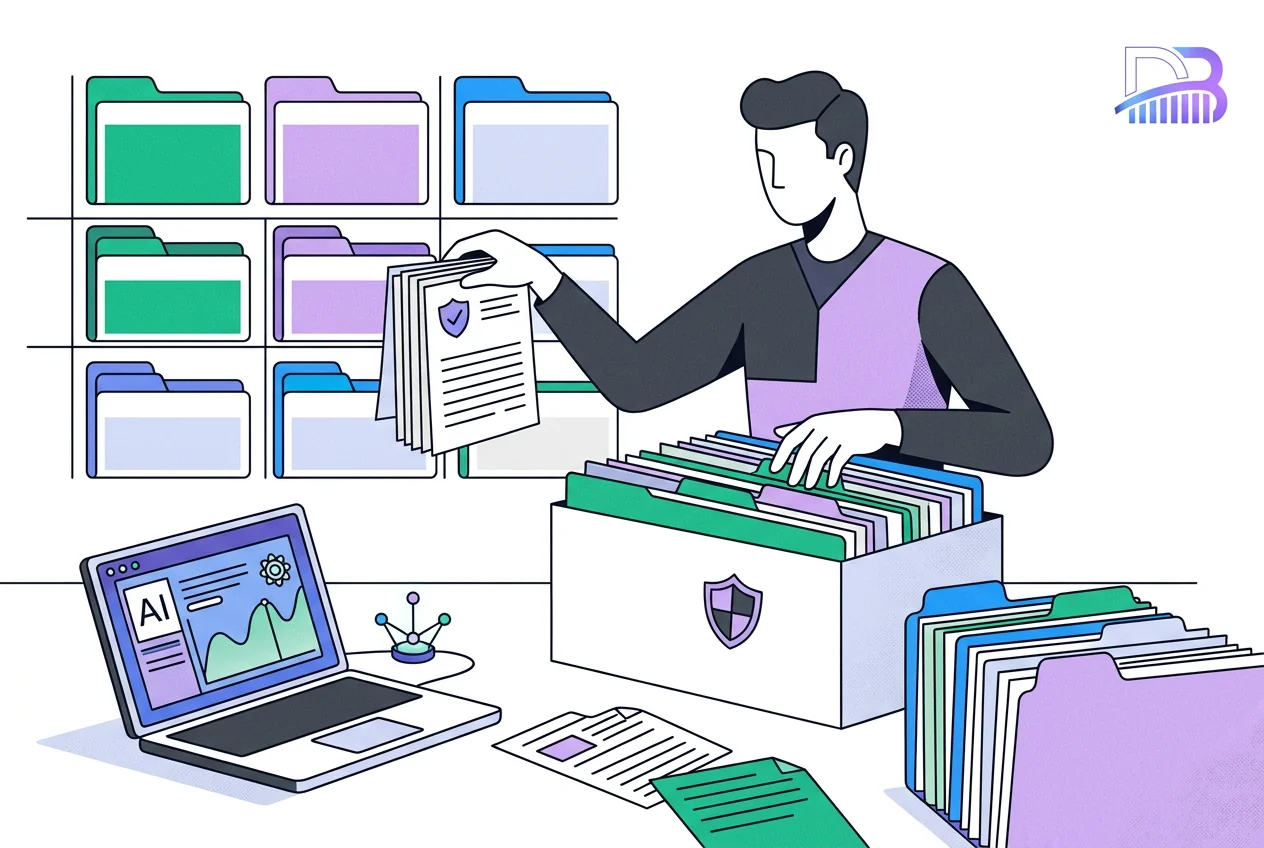
Booking System Migration: A Checklist for Irish Teams
How to move to a new booking system safely: a checked export, a test import and one agreed switch-over date.
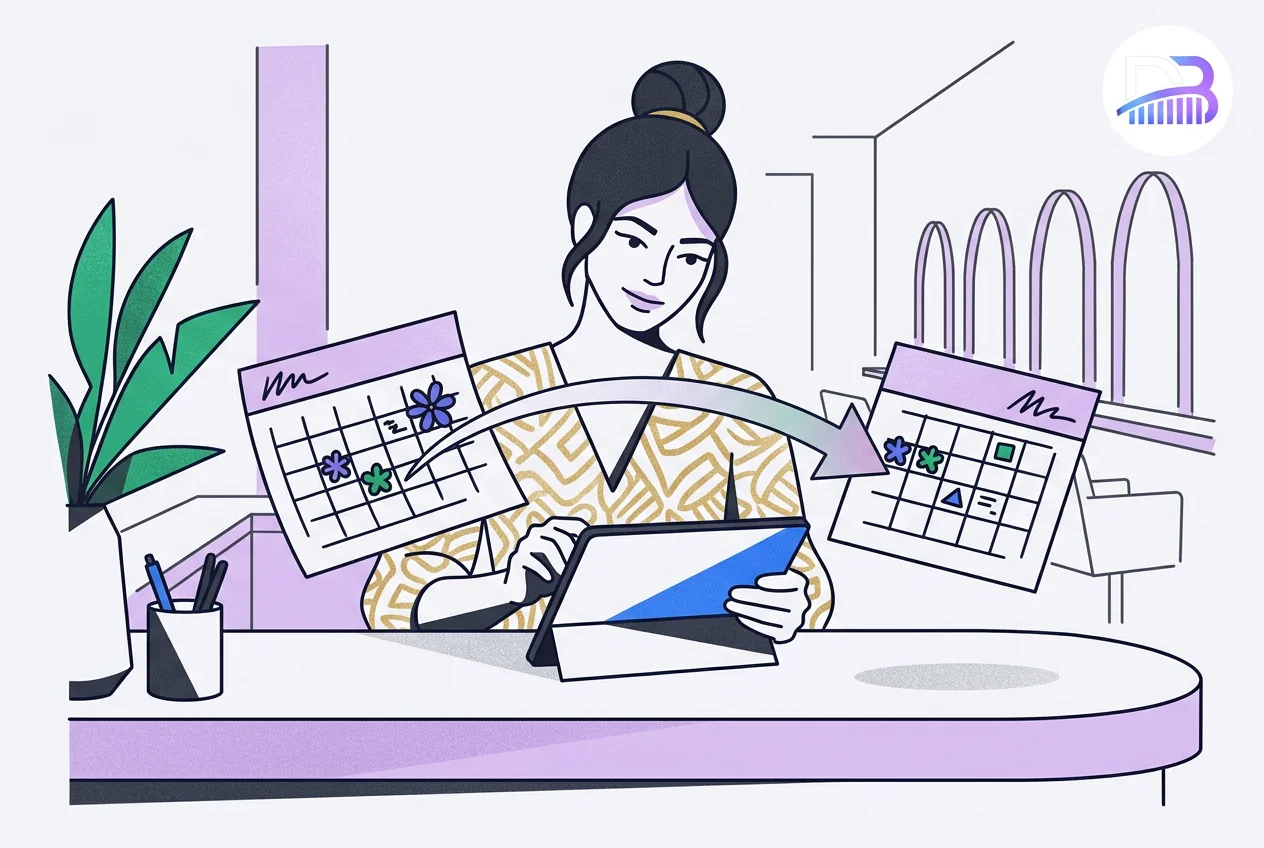
A booking move in five stages
Diagram summary, the full table follows below.
Written by Joey Bray, Founder of Digital Bridge. Author profile. Updated: 6 November 2026.
Who this is for: Irish salons, clinics and service businesses moving to a new booking system with future appointments to keep.
What are the five stages of a booking move?
| Stage | What it is for |
|---|---|
| Confirm | Check what both systems can export and import |
| Export | Take a protected copy, with dates, time zones and statuses noted |
| Test import | Prove the records arrive correctly |
| Switch-over | Pick the moment bookings move to the new system |
| Way back | Keep an archive and a plan if something goes wrong |
What should you confirm before choosing a new system?
Ask which records the current platform can export and which the new one can import. Check services, staff, appointment history, future bookings and account balances separately: a system that imports your customer list may not import your appointment book the same way.
Card details, consent and personal data
Card details and marketing consent do not usually move on their own, so check each provider's rules. If the move involves personal data, limit who can open the exports and agree how long working copies are kept.
How do you take a safe export?
Keep the original export unchanged and protected, and work on a separate copy, noting every change you make to it. That way, any difference can be traced instead of guessed.
What to note in the export
- List the records and the date range in the export.
- Note the export time, and any appointments made after it.
- Record what each field means, plus time zones and status values.
- Keep working files apart from the protected original.
- Agree who can see the data and when copies will be deleted.
A screenshot of a calendar is not a migration record. Use the export formats the provider supports, and where a field is missing, decide whether it needs a manual step.
What should the test import prove?
Use a realistic sample, not only the easiest appointment: different services and staff, cancelled and repeat bookings, and a future appointment with a deposit if you take them. Then check what a customer and a staff member each see.
What to compare
Compare counts and key details with the original, and check times as well as dates, including the change to and from summer time. Confirm whether imported bookings send messages, reminders or payment requests, because a test import must never contact real customers.
How do you choose the switch-over moment?
Agree one moment when the old system stops taking new bookings and the new one becomes the only source. Then bring across any appointments and changes made since the export, and name the person who checks that final comparison and decides to go live.
Every link to update
Update booking links everywhere customers find them: your website, Google Business Profile, social profiles, email signatures and saved replies. Turn off the old reminders only once the new system is working. Two systems open at once, with nobody in charge, is how double bookings happen.
What should the way-back plan say?
Agree in advance what would stop the switch, such as a missing future appointment, a wrong balance or an unexpected customer message, who decides, and how bookings are handled by hand in the meantime.
The old records and a useful checklist
Keep the old records only as long as you need them, with access limited. A read-only archive helps you investigate, but it must not quietly become a second booking system. Check the old provider's terms before you cancel the subscription.
For a practical list, Schedmo's booking migration checklist is useful supplier guidance on exports, field matching and checks; use it alongside the documents for your two systems.
Is this guide right for your business?
It fits when:
- you are moving to a new booking system and have future appointments to keep;
- you need one clear switch-over moment so no booking is lost.
It is not the right first step when:
- you cannot export from your current system yet;
- you plan to keep both systems open for bookings indefinitely.
Next action: call Joey on 085 224 1848, or read about our custom business tools, which include booking systems, and our booking automation. Every job gets a fixed written quote after a free call.
Frequently asked questions
Can every booking record move to a new system?
Not always. Customer lists usually move; appointment history, deposits, card details and marketing consent depend on what each system can export and import, so check field by field.
Should both booking systems stay open during the move?
Only briefly, with one person in charge. Agree a single switch-over moment, then close the old system to new bookings so appointments cannot clash.
What does a good test import show?
That the counts and key details match the original, times are right including summer time, and no test booking sends a message to a real customer.
How long should a booking migration take?
Long enough to export, test, fix and test again before the switch. Plan it for your quietest period, and do not set the date until the test import has passed.
What data protection checks apply to a booking export?
Limit who can open the export, keep it protected, agree why each copy exists and when it will be deleted, and check what each provider does with the data.
What should we tell customers during the switch?
Tell them the new booking link, when it starts and that existing appointments are kept, and make sure confirmations and reminders come from one system only.
Everything we do, in one place
Pick the service that fits. The same small Irish team does all the work.
Related pages and sources
Explore more from Digital Bridge
Sources and further reading
Joey Bray
Founder, Digital Bridge
Works on connected business tools, websites and AI integration in Ireland
Joey Bray leads Digital Bridge from Gorey Business Park, Co. Wexford, with responsibility for agreed scope and practical handover.
Connect with us →Keep reading